
1. Projects
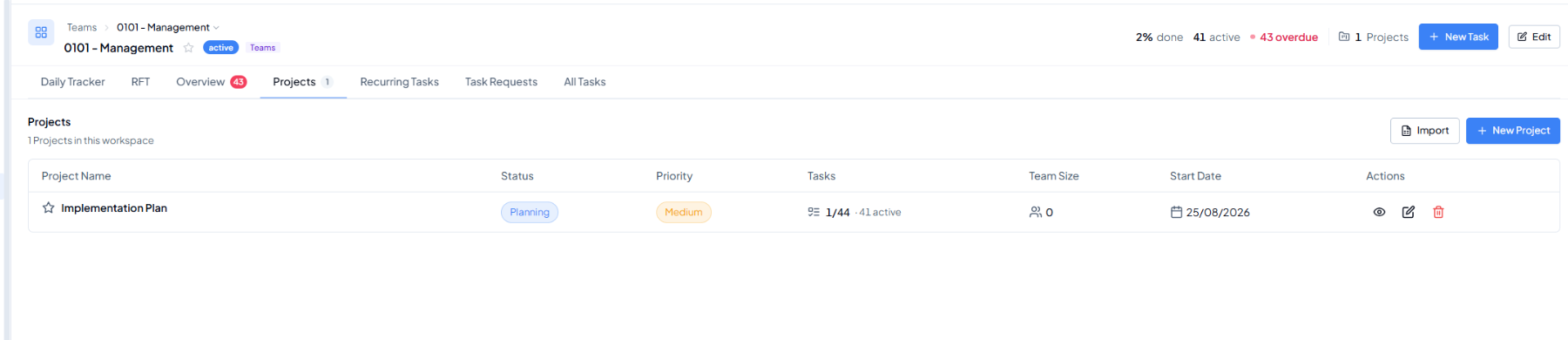 Projects tab - project list inside the selected workspace.
Purpose
Use Projects to see the structured initiatives that belong to this workspace. This is the bridge between the workspace and the detailed task work inside each project.
To reuse an existing project’s structure instead of creating one from
scratch, see Duplicating a Project.