
1. Understanding the Work Structure
The Workspace view sits in the middle of the work hierarchy. Think of the structure as: Workspace Group (groups related areas of work) > Workspace (where a team manages day-to-day work) > Project (a defined initiative or outcome inside a workspace)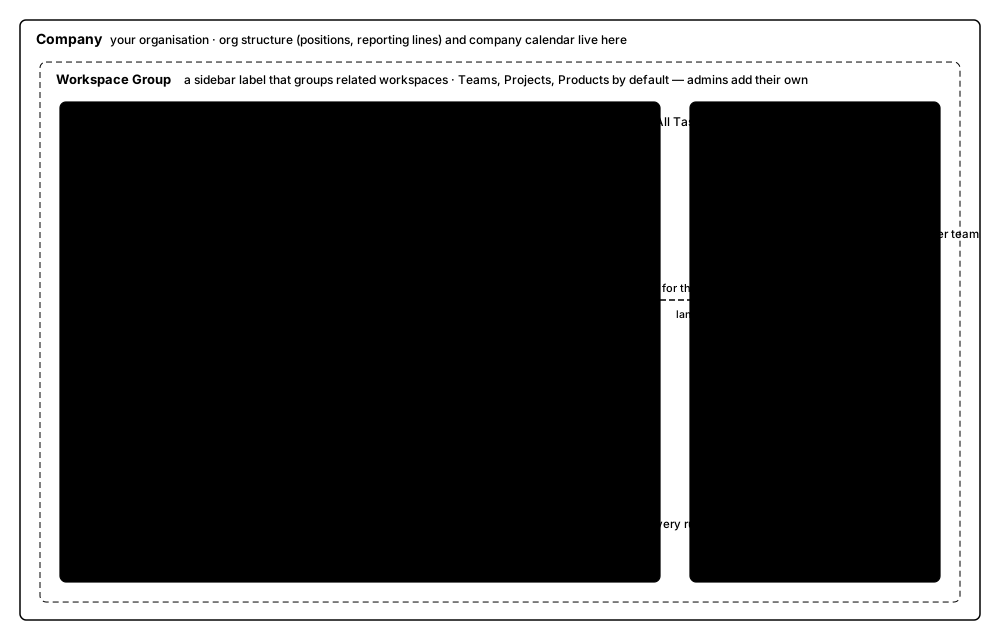 How work is organised, from company down to an individual task.
Important distinction
A workspace is not the same as a project. The workspace is the ongoing operating area; projects are the specific pieces of work managed within it.
2. Workspace View at a Glance
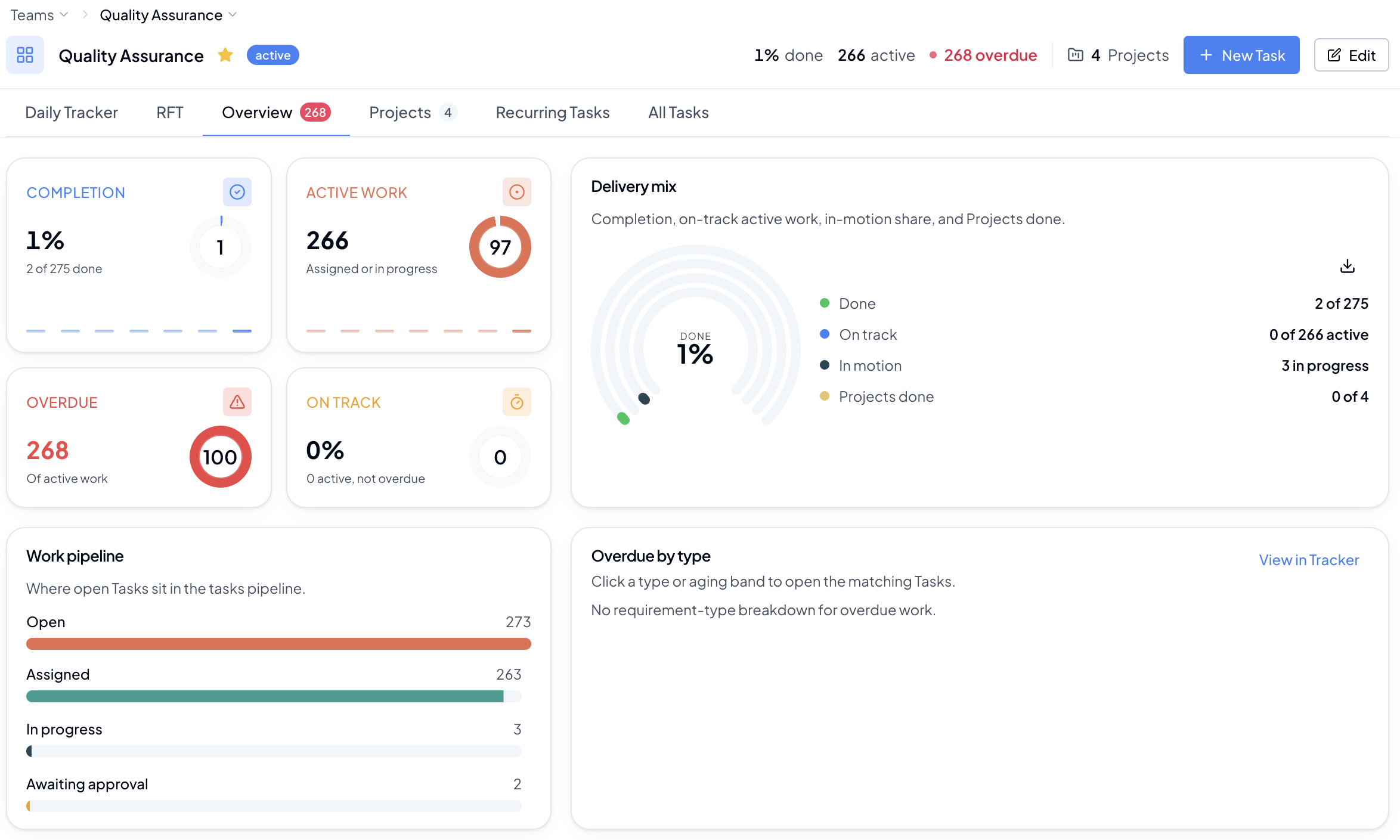 Example workspace view - Overview selected.
The page has three working areas:
Example workspace view - Overview selected.
The page has three working areas:
- Workspace header: shows the workspace name, overall done/active/overdue counts, project count, and quick actions such as New Task and Edit.
- Navigation tabs: Daily Tracker, RFT, Overview, Projects, Recurring Tasks, and All Tasks.
- Current tab content: changes depending on the selected tab. Filters, search, grouping, columns, and drill-down actions help users reach the exact work they need.
3. Which Tab Should I Use?
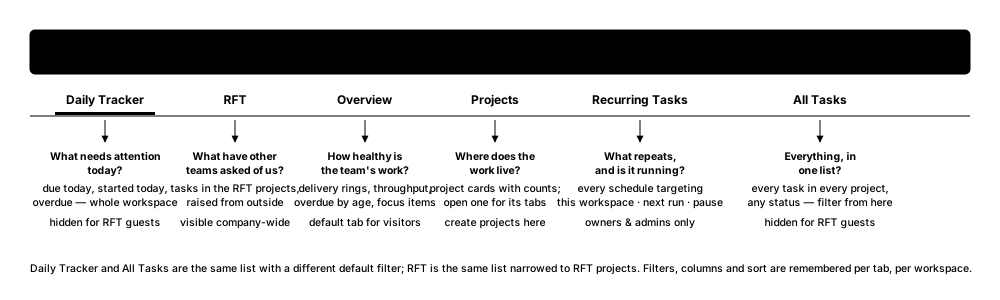 A quick way to find the right tab before checking the full reference below.