
1. RFT - Request for Task
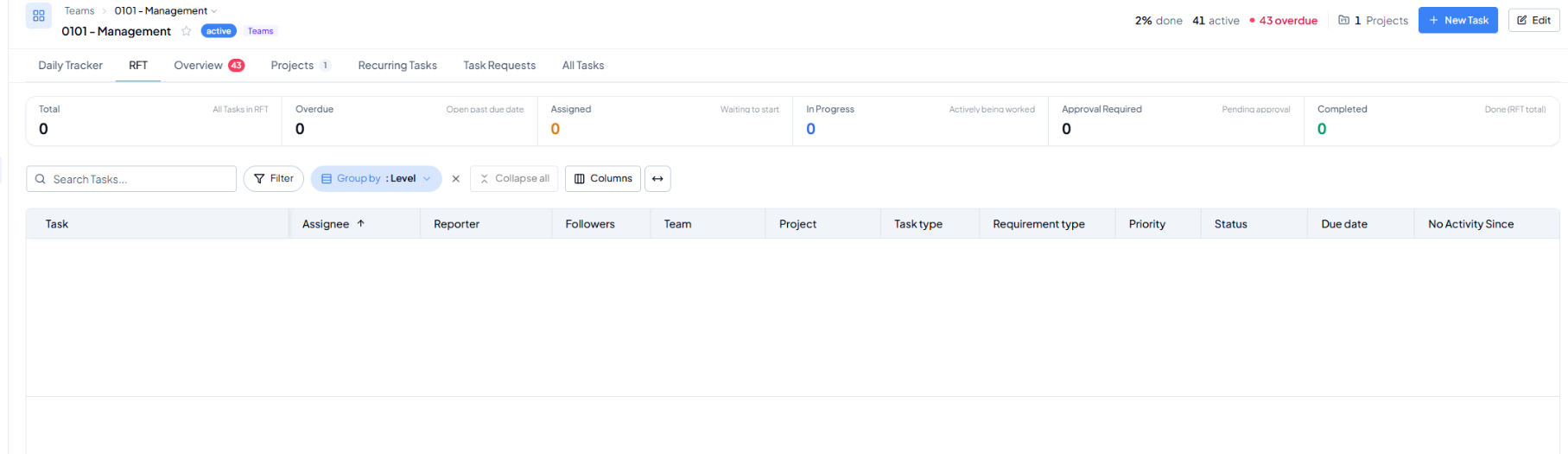 RFT tab - Request-for-Task worklist.
What RFT means
RFT stands for Request for Task. It is used when work needs coordination with another workspace or department, particularly when the requesting user should not directly create or manage that work in the receiving workspace.
2. What the RFT Tab Is For
- Track RFT-type work: see Request-for-Task items that are now represented in the workspace task system.
- Follow the same execution statuses: Assigned, In Progress, Approval Required, Completed, and Overdue.
- Separate cross-workspace coordination from normal task work: this keeps requested work visible without mixing it with every workspace task during focused RFT reviews.
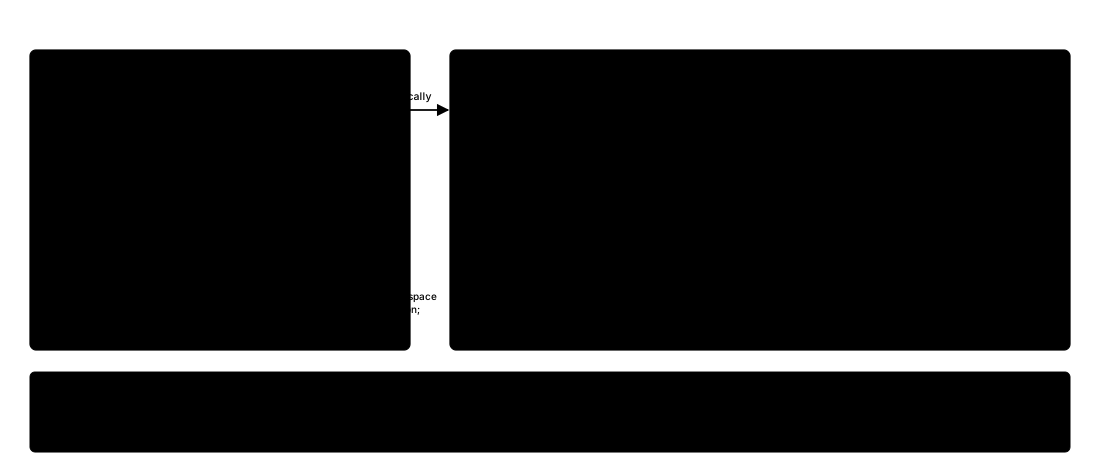 How cross-workspace work is routed through RFT, based on the assignee’s home workspace.
If the screen is empty
An empty RFT tab simply means there are currently no RFT tasks matching the view. It does not mean the workspace has no normal tasks.