
The Meetings tab helps users create and manage Google Meet sessions related to the project.
1. What Is the Meetings Tab?
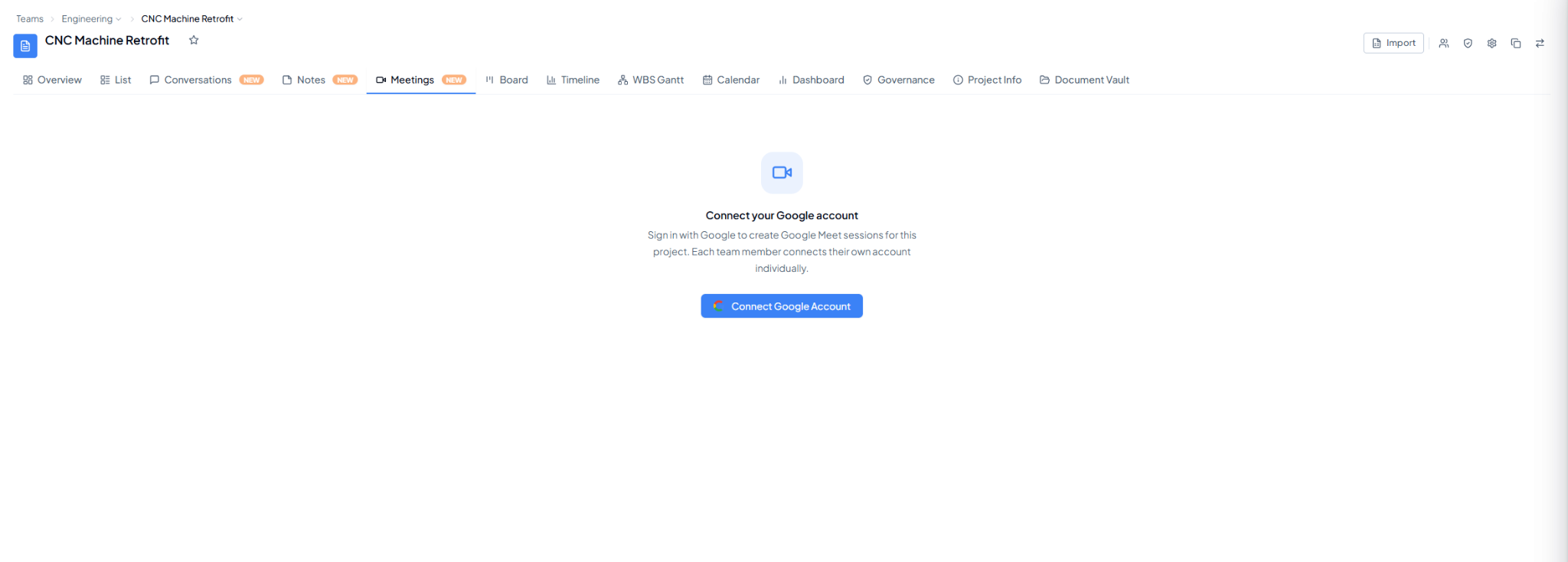 Meetings tab prompting the user to connect a Google account.
2. How Does It Work?
1
Select Connect Google Account
Open the Meetings tab in the project and select Connect Google
Account.
2
Sign in with your Google account
Complete the Google sign-in flow.
3
Create Google Meet sessions
Once connected, use the project Meetings feature to create Google
Meet sessions.
Each team member connects their own account individually.