
The Calendar displays project activities according to their scheduled dates. Dated tasks and meetings can be viewed directly on the calendar.
Prefer to watch?
Watch the video for this guide (1:38)
1. What Is the Calendar Tab?
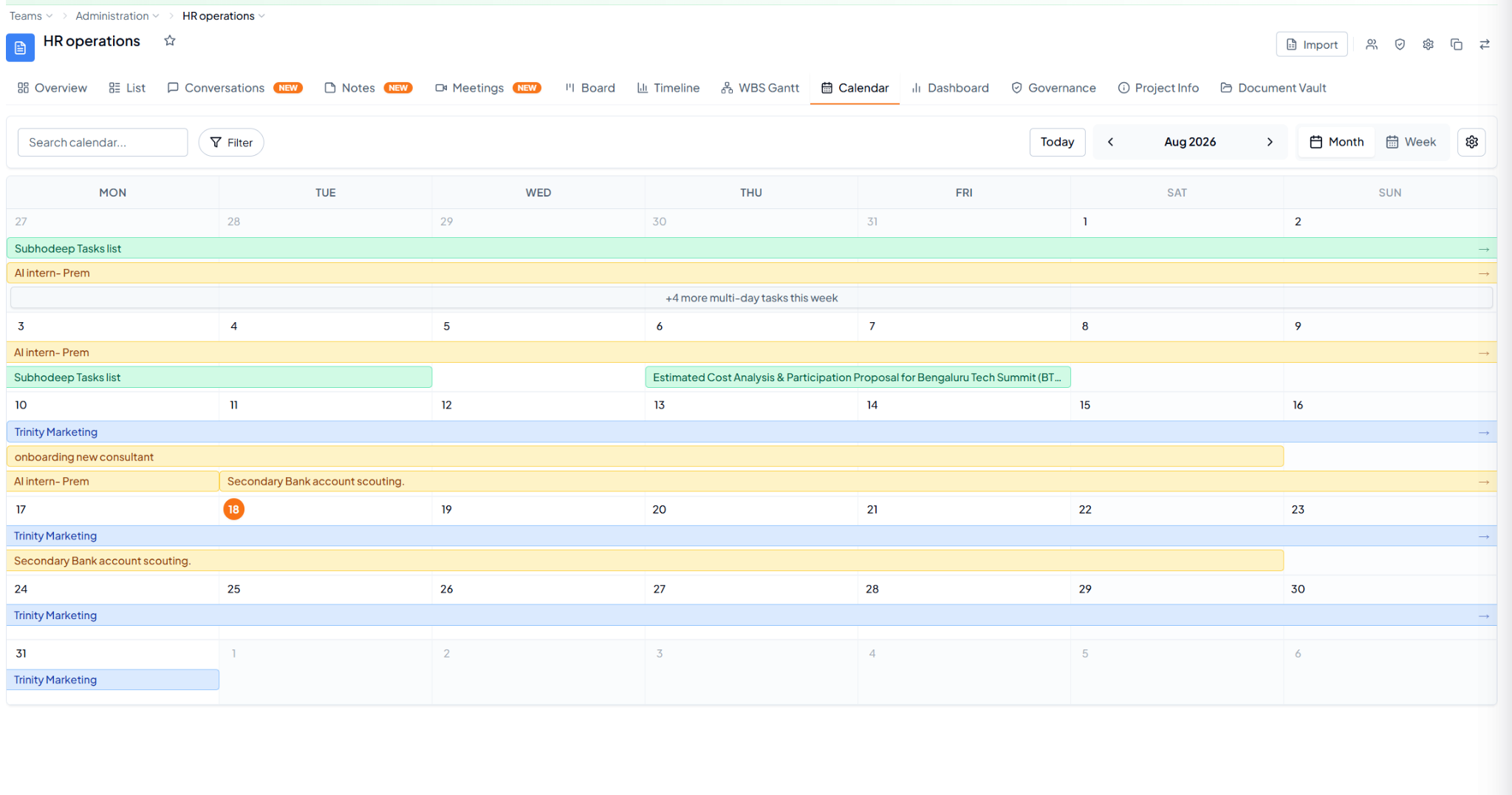 Calendar showing dated and multi-day project activities.