
The Notes tab is used to create and maintain project-level notes and reference information that should stay with the project.
1. What Is the Notes Tab?
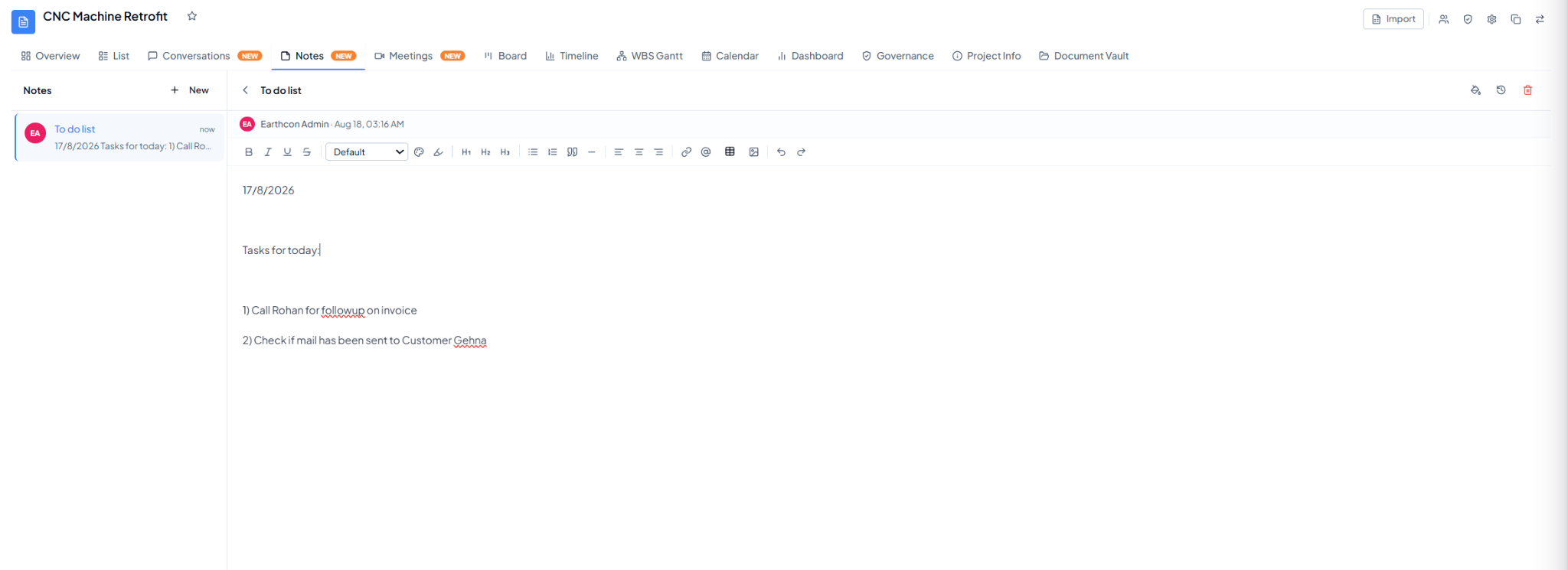 Project Notes with a note list and rich-text editor.
2. What Can You Do Here?
- Select + New to create a note.
- Give the note a clear title.
- Use the editor to format text, add headings, lists, links, mentions, tables, or images where available.
- Update the same note as information changes.
- Maintain reference information that does not need to be created as a task.