
Conversations are project-level discussion groups that allow selected project members to communicate within the project.
1. What Is the Conversations Tab?
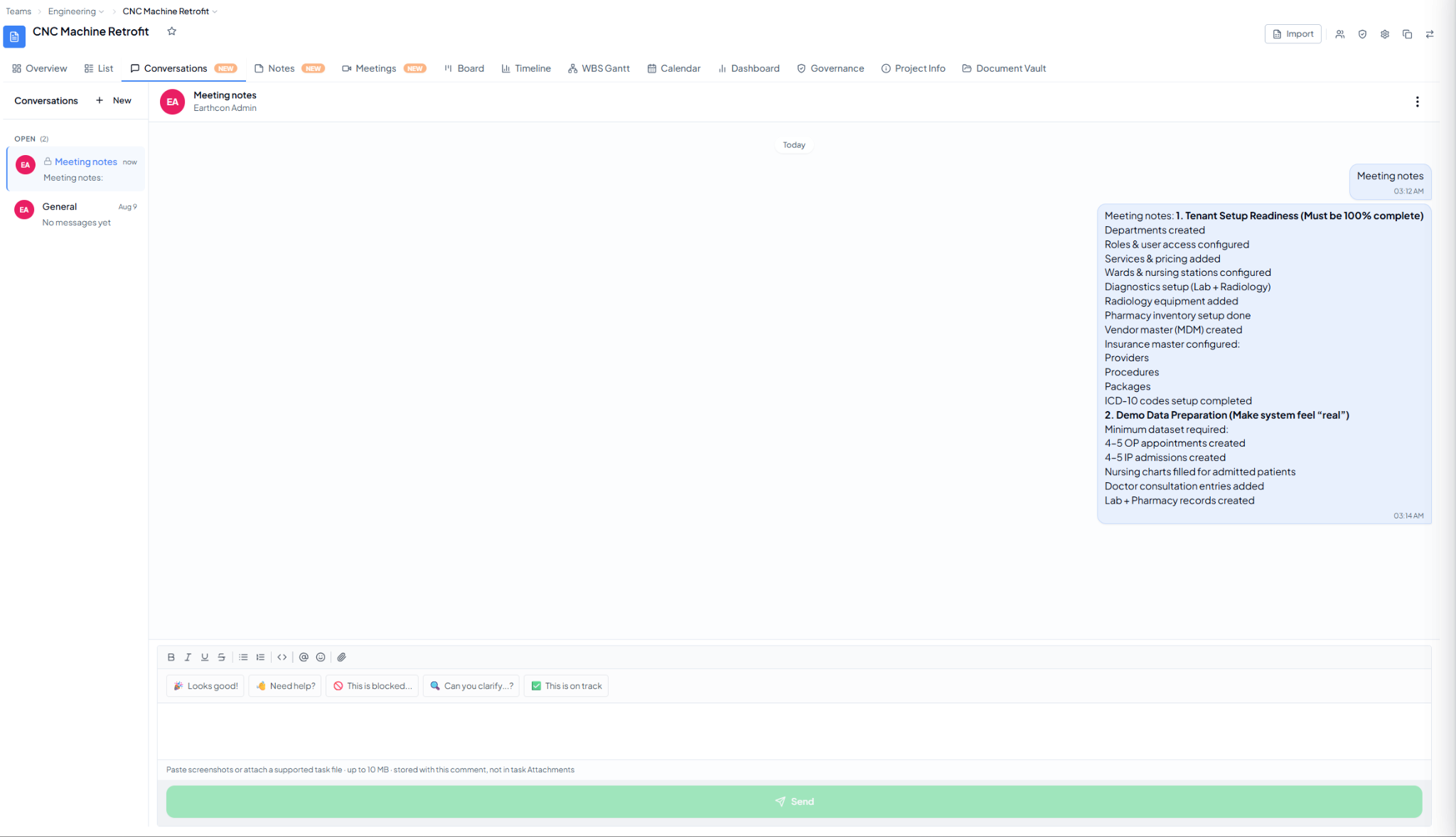 Project Conversations with a discussion thread, message composer, and
quick replies.
Project Conversations with a discussion thread, message composer, and
quick replies.
2. What Can You Do Here?
- Create a new conversation for a topic or group.
- Keep separate discussions for different project topics.
- Send messages within the project.
- Mention team members using @.
- Use formatting, emojis, and attachments where available.
- Use quick-reply prompts such as “Looks good!”, “Need help?”, “This is blocked…”, “Can you clarify…”, or “This is on track” when useful.