
The Timeline shows project tasks against their planned dates. It combines task information such as Task Name, Assignee, and Status with a time-based schedule.
1. What Is the Timeline Tab?
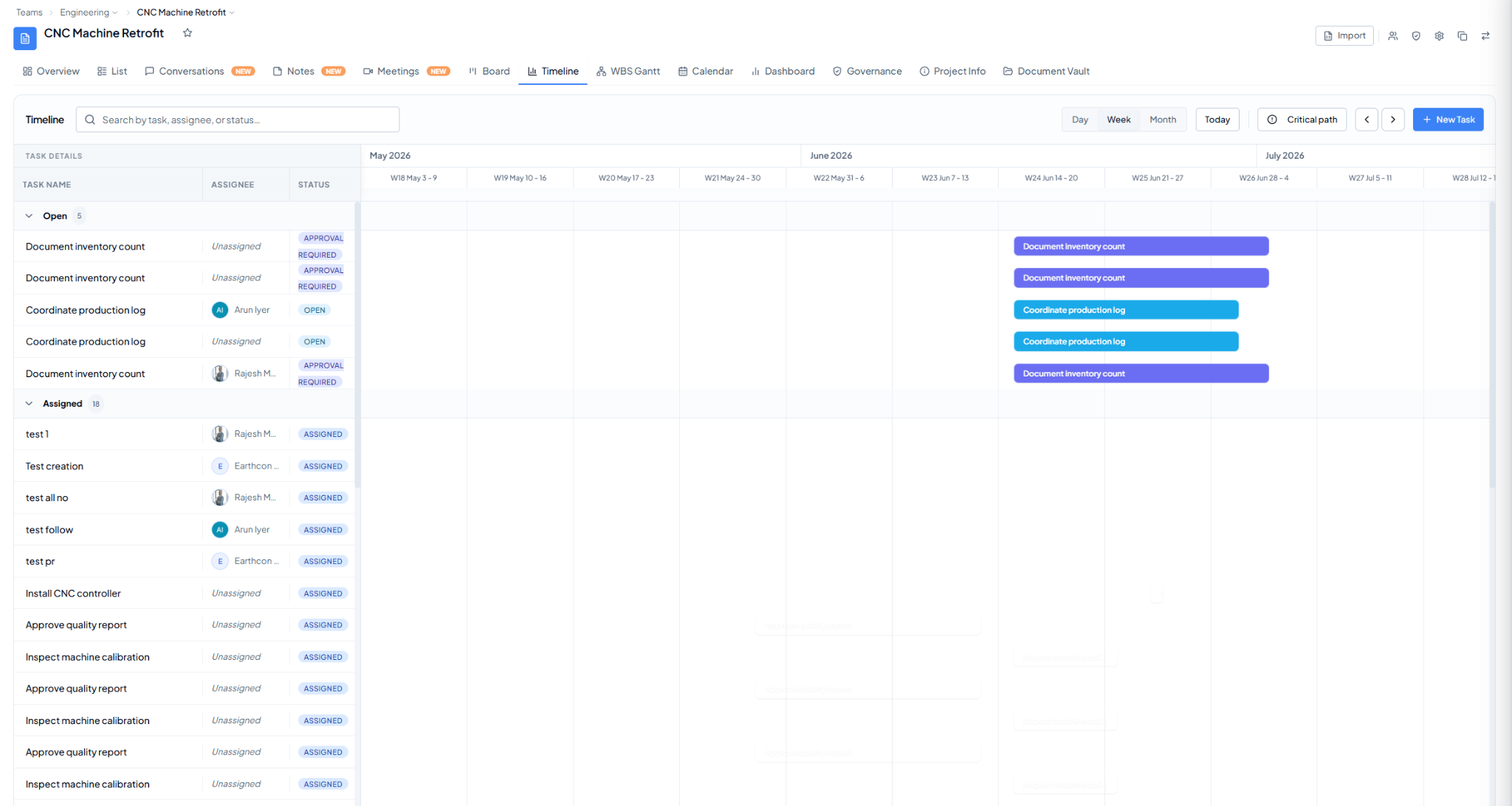 Timeline view with task groups and date-based task bars.
The project Timeline tab: seeing project tasks against their planned dates across Day, Week, or Month views.
The Timeline shows project tasks against their planned dates. It combines task information such as Task Name, Assignee, and Status with a time-based schedule.
Timeline view with task groups and date-based task bars.