
1. Step 4 — Review and Create
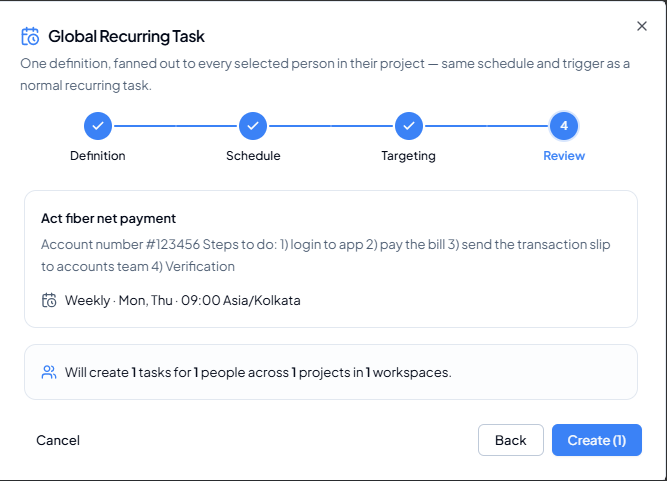 Review step showing task content, schedule summary and the number of
tasks that will be created.
Review step showing task content, schedule summary and the number of
tasks that will be created.
1
Review the task definition
Check title and description for clarity and reusability.
2
Review the schedule summary
Confirm the frequency, selected days/date, time and timezone.
3
Review the fan-out summary
Confirm the number of tasks, people, projects and workspaces.
4
Use Back if anything is wrong
Return to the relevant step and correct the setup.
5
Click Create
The button includes the task-instance count, for example
Create (1).