
Prefer to watch?
Watch the video for this guide (1:50)
1. What Is the My Tasks Page?
My Tasks is your consolidated work area for task-related activity across projects. Instead of opening each project separately, you can use this page to review work you own, work you have delegated, tasks you follow, alerts, approvals and other personal task views from one place.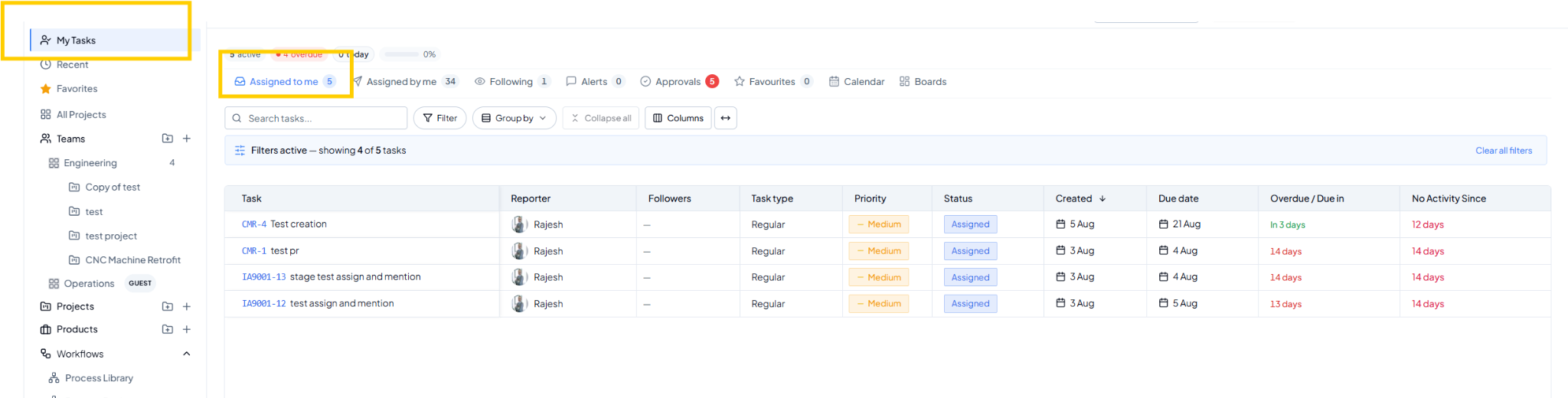 My Tasks page showing the tab navigation and consolidated task list.
2. Choose What You Want to View
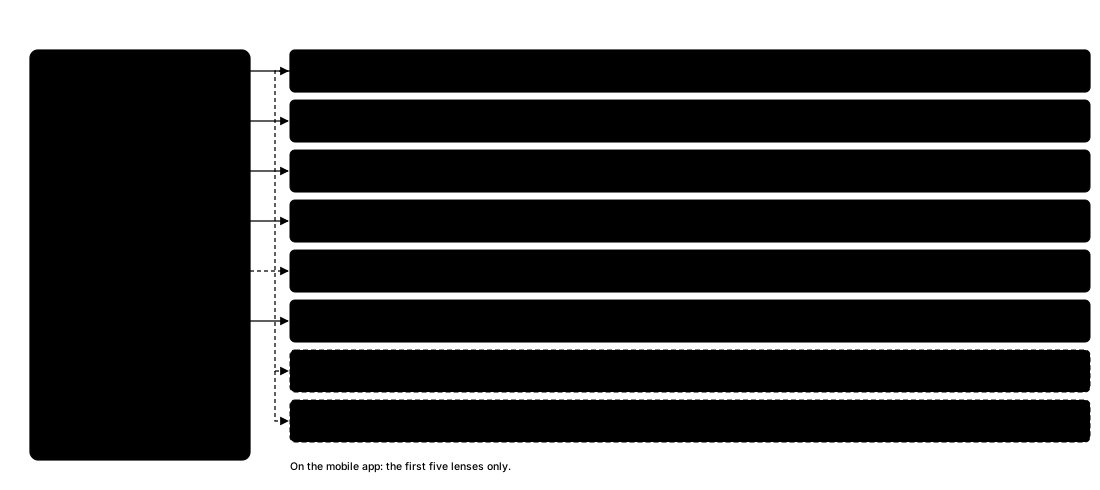 Eight different views into the same pool of tasks.
Watch: Using My Tasks in the
Video Gallery — filter, group and customize your consolidated task
list across all your work.